Watch the 5-Day Portrait Challenge and Finally Draw Portraits You Actually Love
Day 1 resources

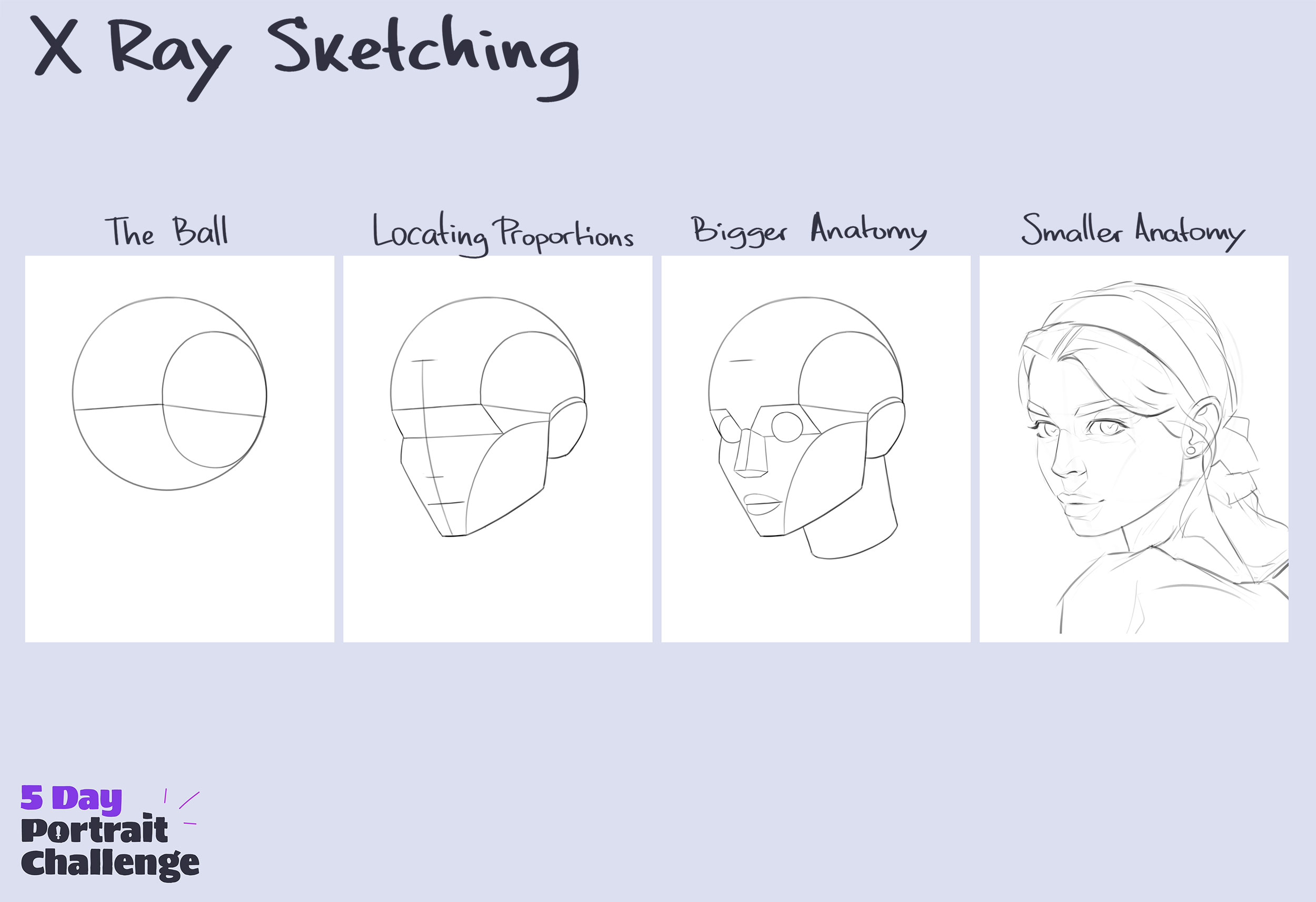
Day 3 resources
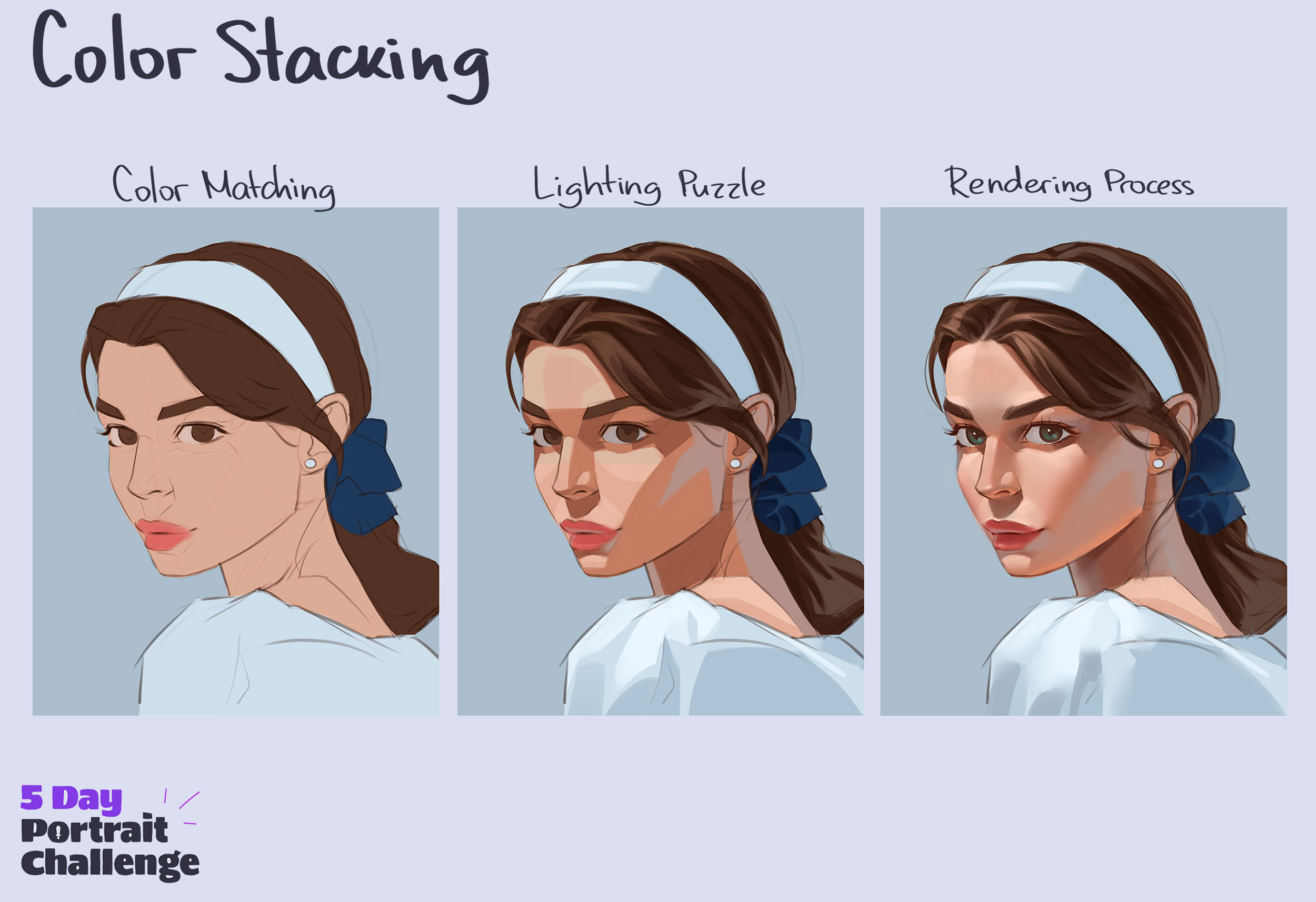
Day 4 resources
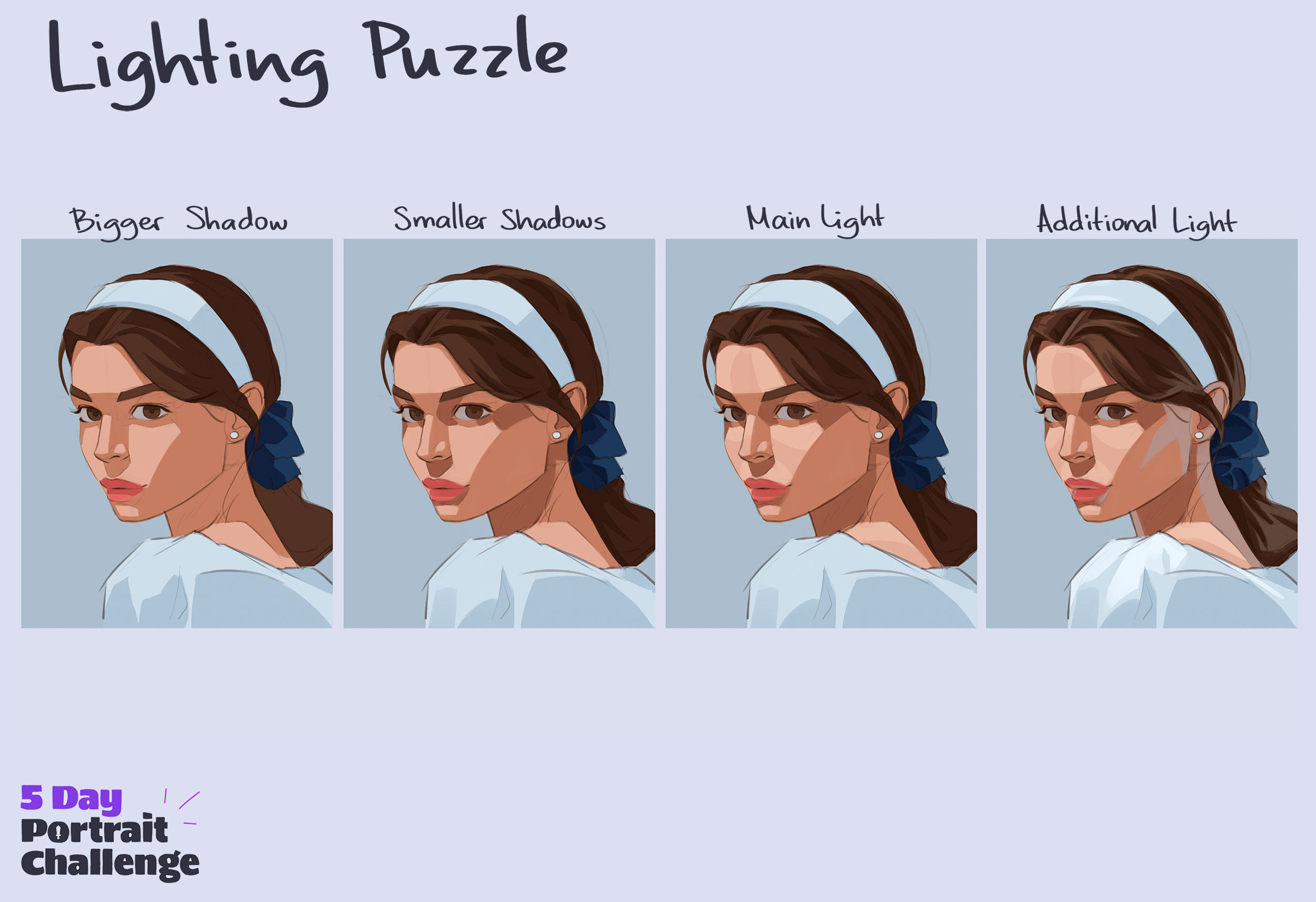
Day 5 resources
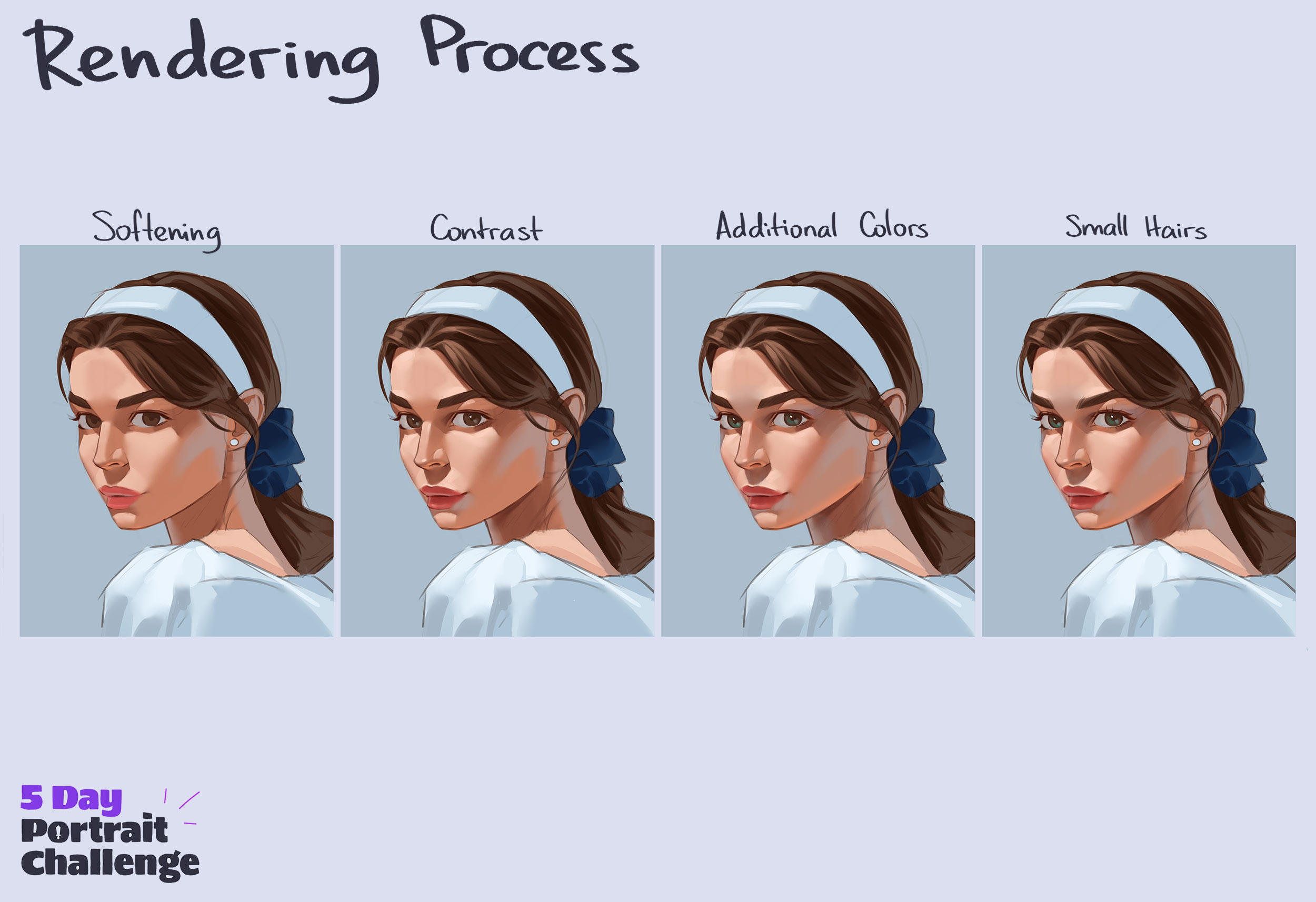
Portrait Mastery Program Is Live
Master the Build Up Method in under 12 months, with Angel guiding every step.
For just $297, you'll get:
Enroll NowTuesday May 5th at 11:59 PM Pacific Time For just $297, you'll get:
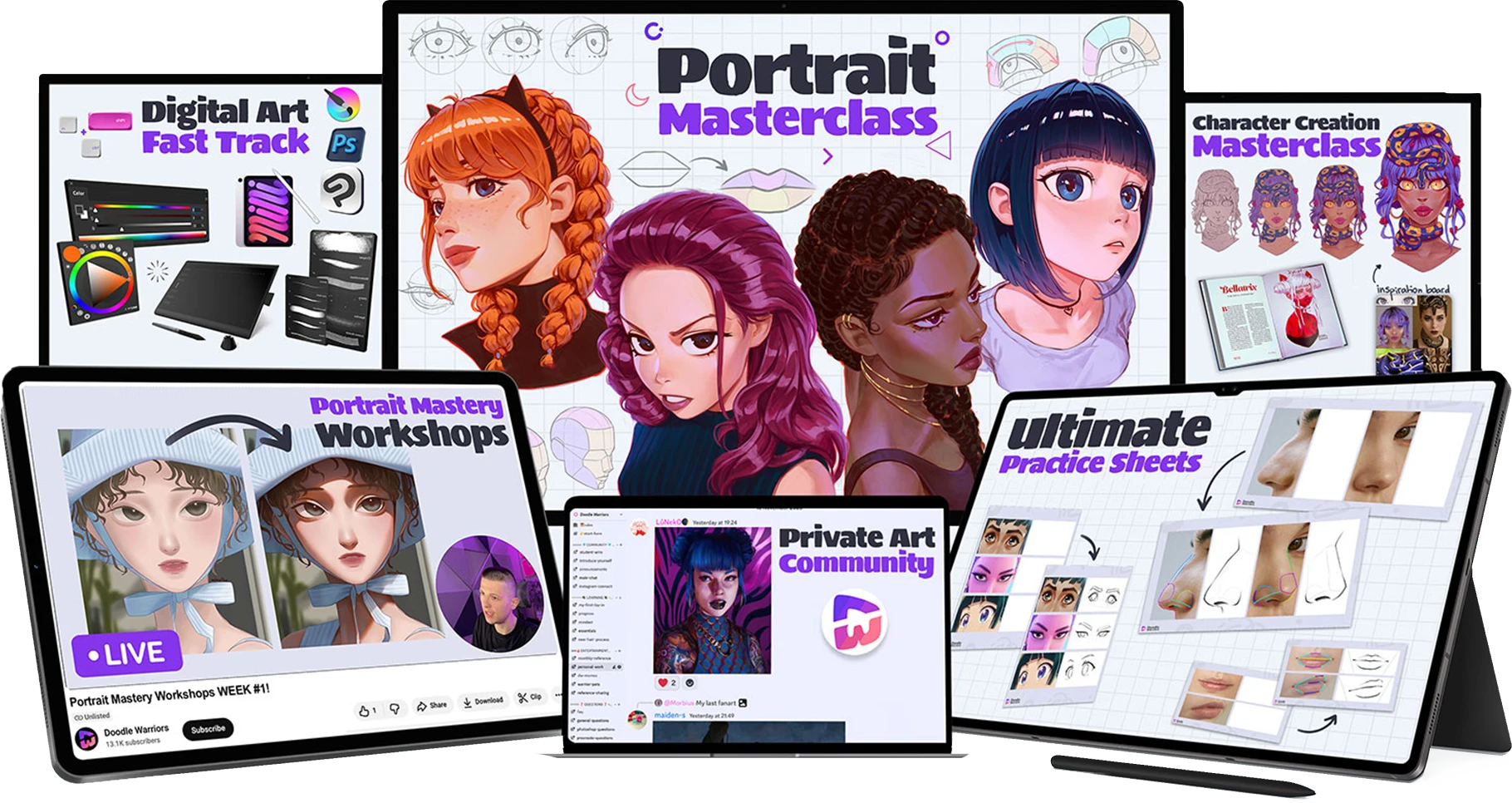
🎨 8-Module Portrait Masterclass (lifetime access)
✏️ Practice Sheets for every video
🎥 Weekly live workshops with Angel for personal feedback
🎬 Lifetime access to these 5-Day Portrait Challenge replays
👥 Lifetime Doodle Warriors Community
🎁 Plus bonus masterclasses (Digital Art Fast-Track, Character Creation, and more)
Frequently Asked Questions
Which software do I need?
Clip Studio Paint is what Angel uses in the sessions, and you got a free 6-month activation code on your thank-you page. Procreate, Photoshop, or any other painting app will work too. The techniques translate.
How do I open the PNG files on my phone?
Tap the download link. The image saves to your camera roll. From there you can open it in your painting app or view it as reference.
When do new materials unlock?
Each day's materials unlock in the morning before that day's live session. Click the day you want on the carousel above.
I missed a session. Where's the replay?
Click that day on the carousel. The video player above will load the replay. Replays go up within a few hours of the session ending.
Can I use my own reference photo instead of the one provided?
Absolutely. The reference photo is there so you can follow along step-for-step, but if you want to paint your own portrait from scratch, the techniques are the same.